Swift for Kids

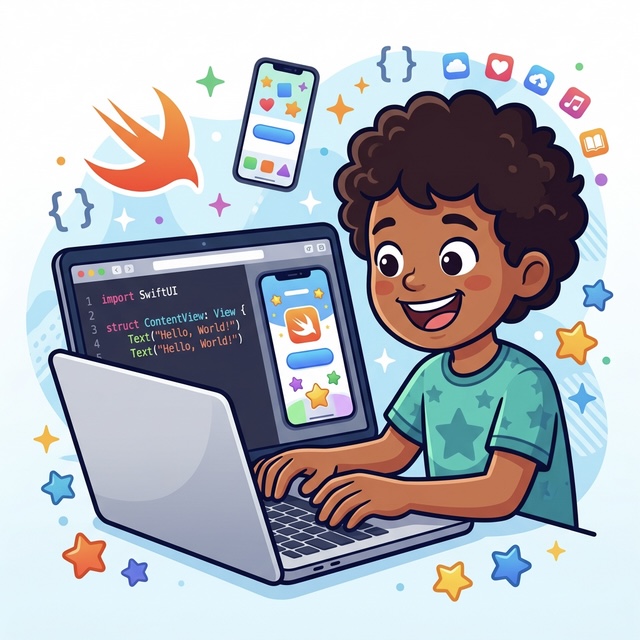
An engaging introduction to iOS app development for kids (ages 8+), inspired by Apple's Everyone Can Code curriculum. Students learn real Swift programming while creating their own interactive mobile applications — real apps, not just exercises!
Swift for Kids

What is This Program About?

Swift for Kids is an engaging introduction to iOS app development designed for students aged 8+. Inspired by Apple's Everyone Can Code curriculum, students learn real Swift programming fundamentals while building their very own interactive mobile applications.

Through hands-on projects, students follow Apple's proven design thinking process — Brainstorm, Plan, Prototype, and Evaluate — developing computational thinking, creativity, and problem-solving skills. They'll finish the program with an actual app they can run on an iPad or Mac.

What Will Students Get?

Swift Fundamentals

Swift Fundamentals

Learn real Swift programming concepts — variables, functions, conditions, and loops — in a fun, beginner-friendly way.
iOS App Building

iOS App Building

Design and build interactive mobile apps using Swift Playgrounds and SwiftUI from scratch.
Creative Problem Solving

Creative Problem Solving

Develop logical thinking and creativity by solving real design and coding challenges.
Hands-On Projects

Hands-On App Projects

Build complete apps from idea to finished product, session by session.

Developer Mindset

Developer Mindset

Gain confidence thinking and working like a real software developer.
App Portfolio

Own App Portfolio

Walk away with a portfolio of iOS apps they can demo to family and friends.

Inspired by Apple's Everyone Can Code

This program is built on the foundation of Apple's Everyone Can Code curriculum — a globally recognized approach to teaching coding through creativity, real-world projects, and Apple's own Swift programming language.

Students follow Apple's proven design thinking process in every project they build:
Brainstorm Icon

Brainstorm

Students explore ideas, identify problems worth solving, and imagine creative app concepts.
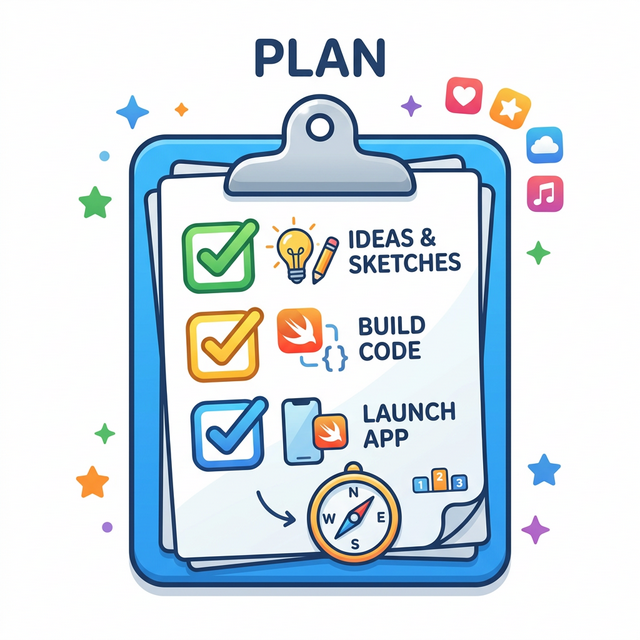
Plan Icon

Plan

Map out the user experience, sketch interfaces, and define what the app needs to do.
Prototype Icon

Prototype

Build a working version of the app using Swift and SwiftUI, turning ideas into real code.
Evaluate Icon

Evaluate

Test the app, gather feedback, and iterate to make it even better.

Taught by an Apple Distinguished Educator & Apple Certified Swift Trainer

How the Program Will Look Like

8 Sessions

8 Sessions

Running over 2 months

The program runs for 8 sessions over 2 months, held every Saturday for 1.5–2 hours.
Every Saturday

Every Saturday

1.5–2 hours per session

The program runs for 8 sessions over 2 months, held every Saturday for 1.5–2 hours.
Small Groups

Small Groups

Max 3–4 students per batch

Each batch is intentionally kept small (maximum 3–4 students) to ensure personalized guidance and a comfortable learning environment.
Build iOS Apps

Build iOS Apps

Interactive apps using Swift & SwiftUI
Students will learn by building their own iOS apps step by step using Swift and SwiftUI in Swift Playgrounds.

Each project will be personalized based on the student's interests, so every student ends up with a unique app by the end of the program.

Where the Program Will Be Conducted

Location

Beverly Green A1 No 56, Belian, Batam City, Indonesia.

Join us in-person for an engaging learning experience!

Open Google Maps

What Are the Outcomes?

1

Swift Programming Basics

Students understand core Swift concepts — variables, data types, loops, conditions, and functions.
2

Build iOS Apps with SwiftUI

Students can design and build interactive iOS apps using Swift Playgrounds and SwiftUI.
3

Logical & Computational Thinking

Students strengthen logical thinking and problem-solving through real coding challenges.
4

Creative App Design

Students apply creativity to design and personalise their own mobile app interfaces.
5

Developer Confidence

Students gain the confidence to demo their apps and explain how they built them.

6

Final iOS App

Students complete and showcase a final iOS app they built themselves from scratch.

Who Will Guide You

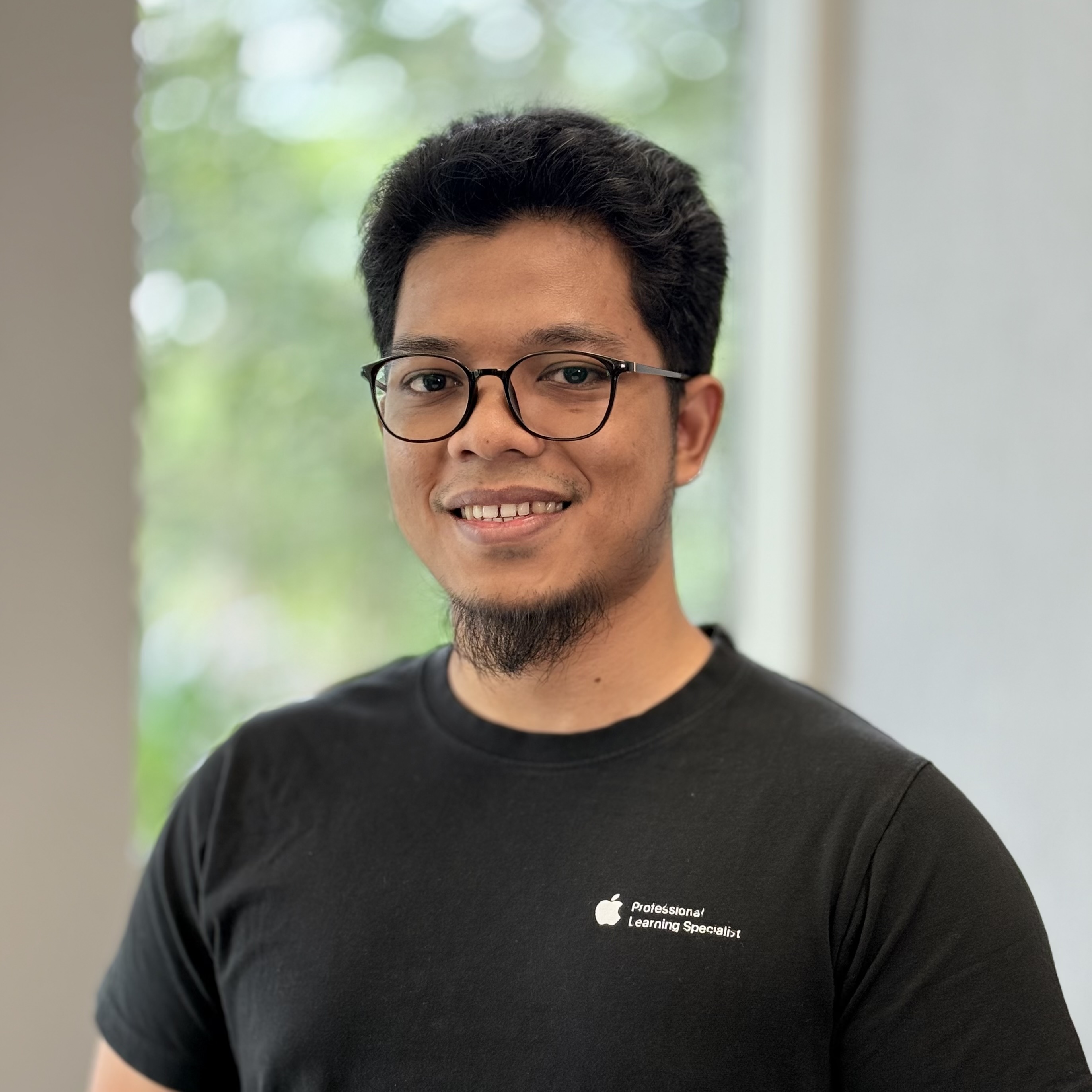
Rizal Hilman

Rizal Hilman

Apple Distinguished Educator
Apple Professional Learning Specialist
Apple Developer Academy Mentor
Apple Swift Certified Trainer

The program is mentored by Rizal Hilman, an educator and software developer with a passion for making iOS development accessible and exciting for the next generation. With hands-on experience building real apps and teaching kids how to code, Rizal brings Swift to life in a way that is fun, practical, and age-appropriate.

In this program, he guides students step by step as they learn Swift programming and build their first iOS apps — encouraging curiosity, creativity, and the confidence to call themselves app developers.

Frequently Asked Questions

How will the program look like?
  • The program runs for 8 sessions over 2 months, held every Saturday for 1.5–2 hours.
  • Each batch is intentionally kept small (maximum 3–4 students) to ensure personalized guidance and a comfortable learning environment.
  • Students will learn by building their own iOS apps step by step using Swift and SwiftUI in Swift Playgrounds.
  • Each app will be personalized based on the student's interests, so every student ends up with a unique app by the end of the program.

This hands-on approach lets students learn real Swift programming while building something they truly care about. 📱

What age is this program suitable for?
This program is designed for students aged 8+. It's the perfect next step for kids who are ready to move beyond visual block coding and start writing real code to build actual iOS applications.
My child is new to programming — will he/she be able to follow?
Absolutely! The program starts from the very basics of Swift, assuming no prior coding experience. With small class sizes and a hands-on, project-based approach, every student gets the personalized support they need to progress at a comfortable pace.
Where is the program conducted?
The program is conducted in-person at Beverly A1 56, Batam Center (View Map). In-person sessions ensure students get real-time support and a focused learning environment.
Do we need any special equipment or software?
Students will need an iPad or a Mac to run Swift Playgrounds, Apple's free app for learning to build real apps. Having an iPad or Mac is mandatory for this course. All required software is free.
Will my child just be staring at a screen the whole time?
While coding happens on the computer, each session includes planning, sketching app ideas, and discussing design decisions — encouraging students to think before they type and collaborate with their peers.
What will my child be able to build after this course?
By the end of the program, students will have built one or more interactive iOS apps using Swift and SwiftUI — apps they designed themselves and can proudly demo to family and friends.
Are the classes online or in-person?
Our classes are conducted in-person at our venue to ensure real-time, two-way interaction between students and the instructor!
Is this program based on an official curriculum?
Yes! This program is inspired by Apple's Everyone Can Code curriculum — a globally recognized approach to teaching coding through creativity and real-world projects. Students follow Apple's design thinking framework (Brainstorm, Plan, Prototype, and Evaluate) as they build their apps. The program is taught by an Apple Distinguished Educator and Apple Certified Trainer, ensuring the highest standard of coding education.

Ready to Build Your First App?

Give your child a head start in iOS development. Join us for a fun and engaging Swift coding session!

Book a Free Trial Class

×